Project planning often starts on a shared Miro board, where teams map processes, explore priorities, and work through dependencies together. The challenge is turning those visual decisions into work that has clear owners, dates, and follow-through.
Use Bitrix24 alongside Miro to give the planning stage a practical next step. Keep the board as context for the team’s thinking, then organize agreed actions in project tasks so execution does not become separated from the plan that shaped it.
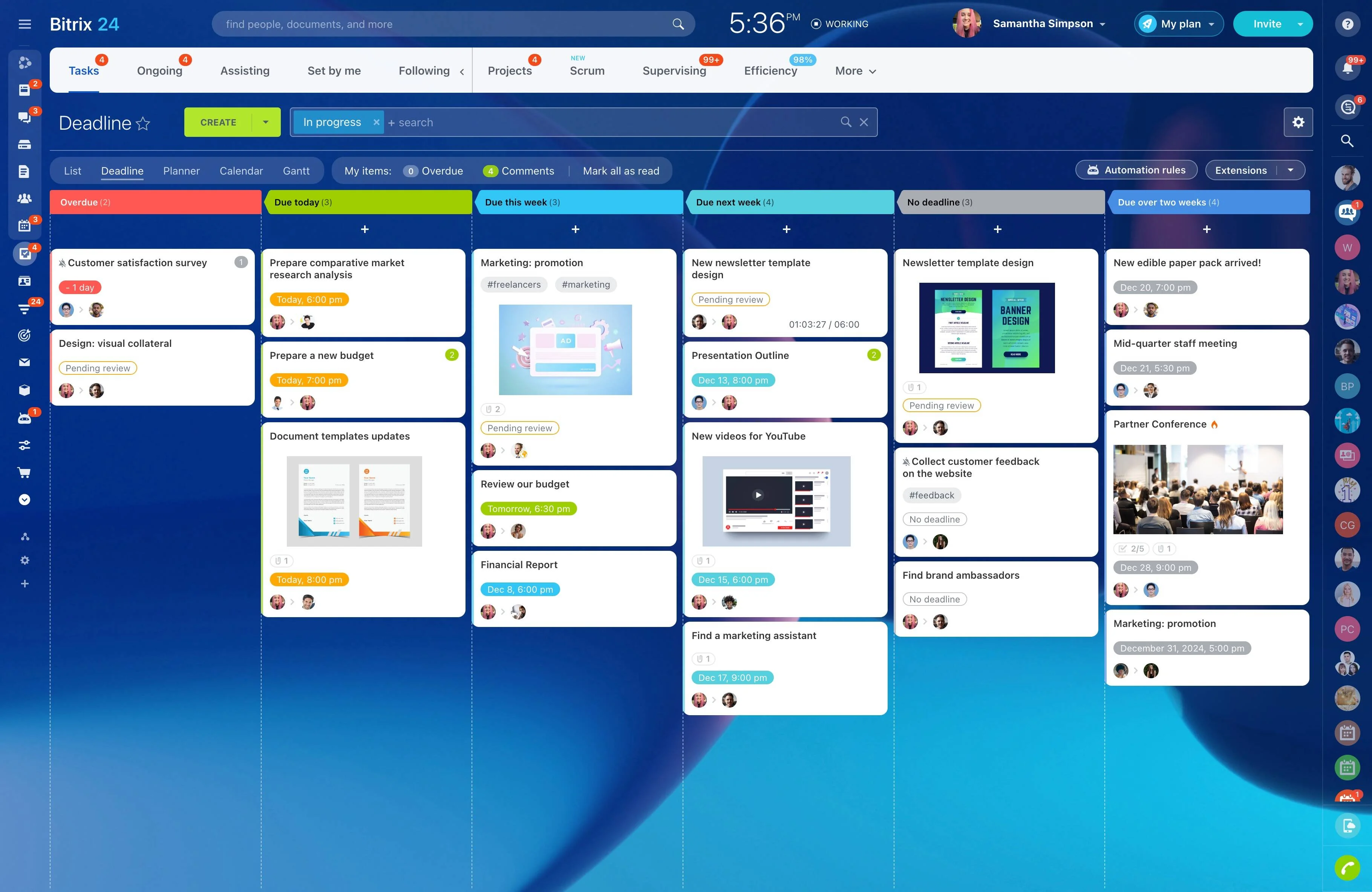
Track follow-through after planning
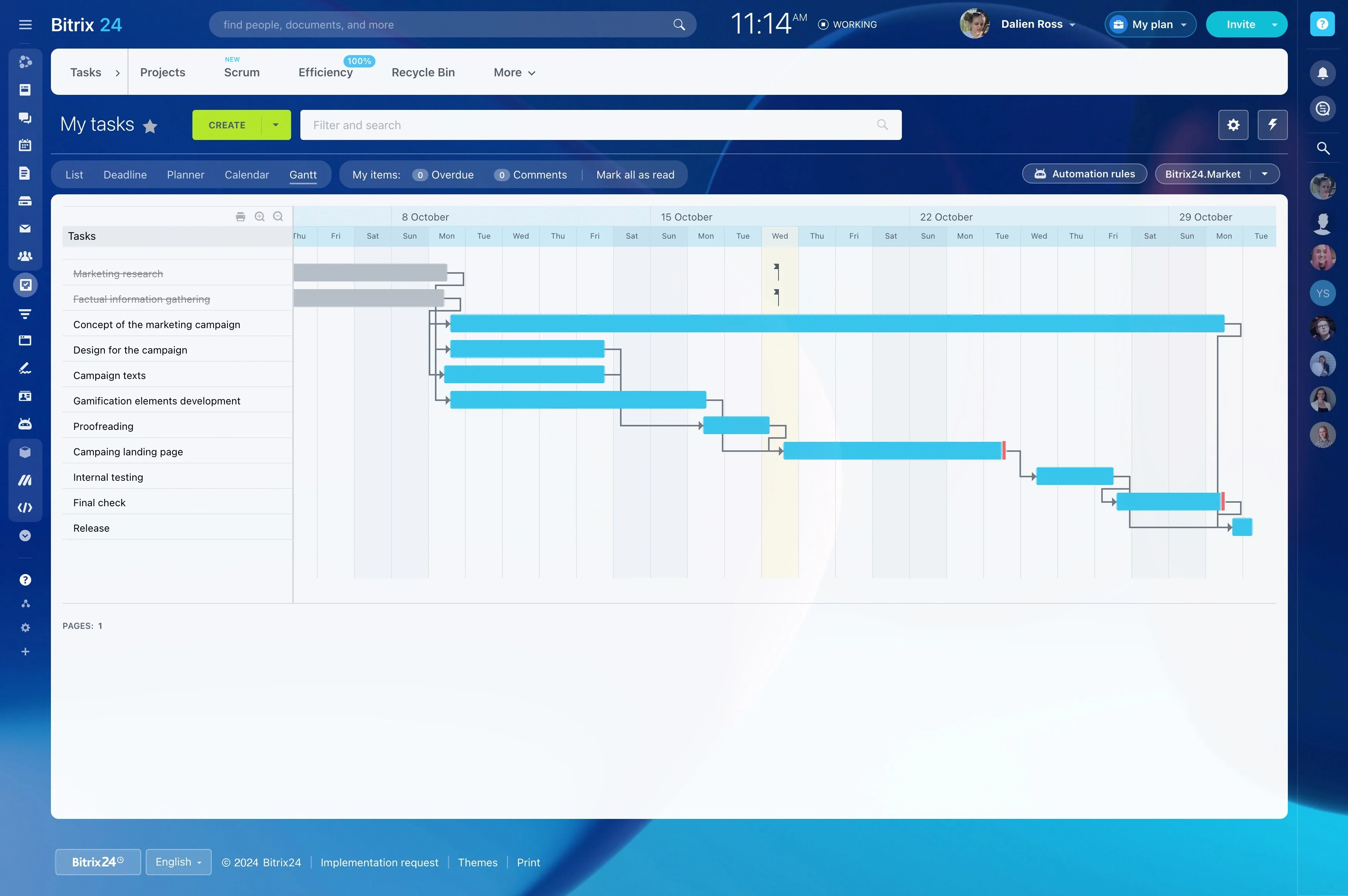
Once the workshop ends, project owners need to focus on progress rather than recreate the conversation. Bitrix24 gives the team a place to review assigned work, check task status, and coordinate follow-up as delivery develops.
Miro supports visual thinking; Bitrix24 supports the operational work needed to carry the agreed plan forward.
Begin with a shared visual plan
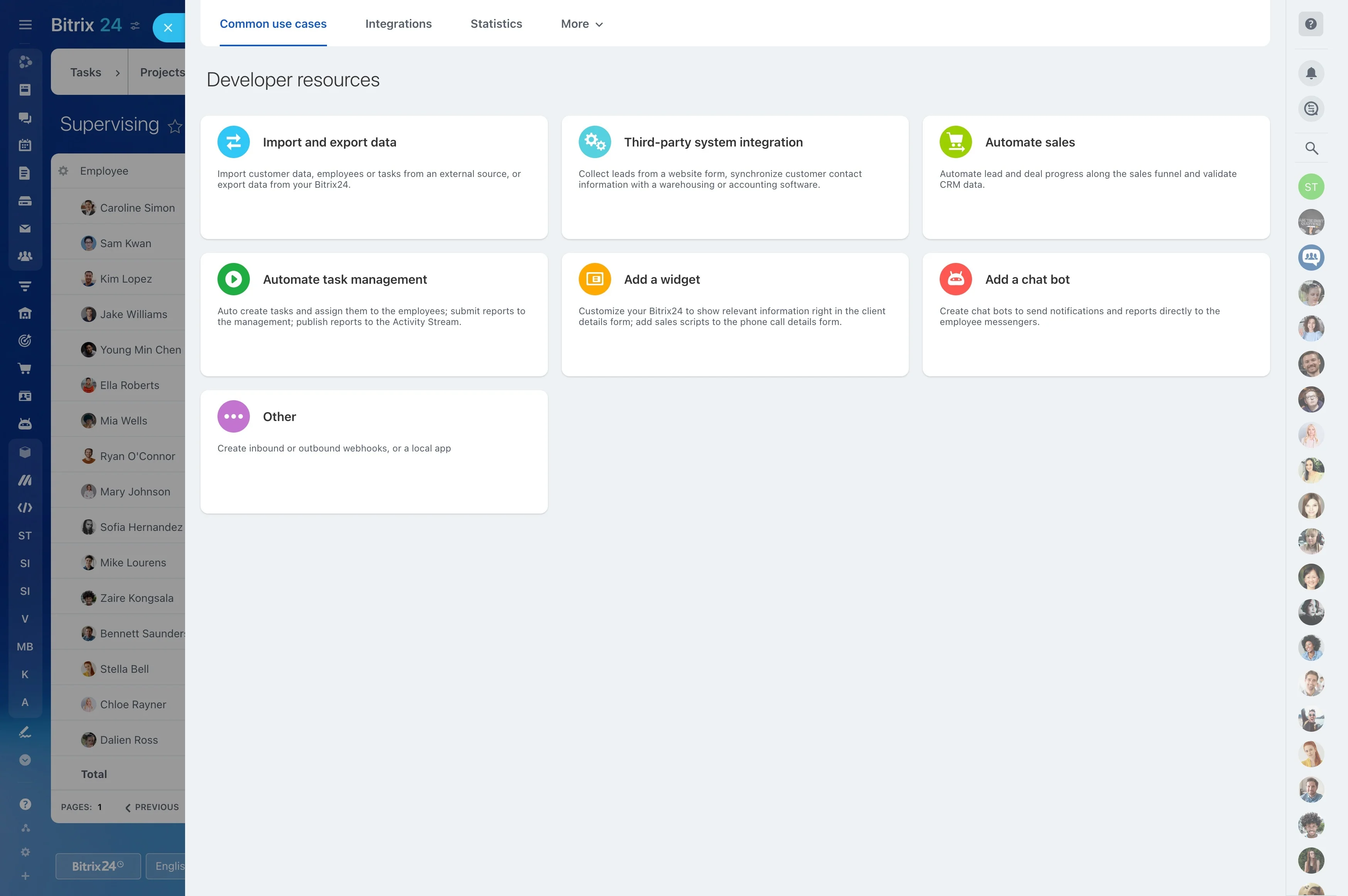
Miro provides space to map a process, arrange priorities, explore dependencies, or outline a delivery timeline before the team commits to specific actions. This makes the early planning conversation easier to see and discuss.
Bitrix24 adds a structured project workspace for the work that follows, while the board preserves the context behind key decisions.
Convert workshop decisions into tasks
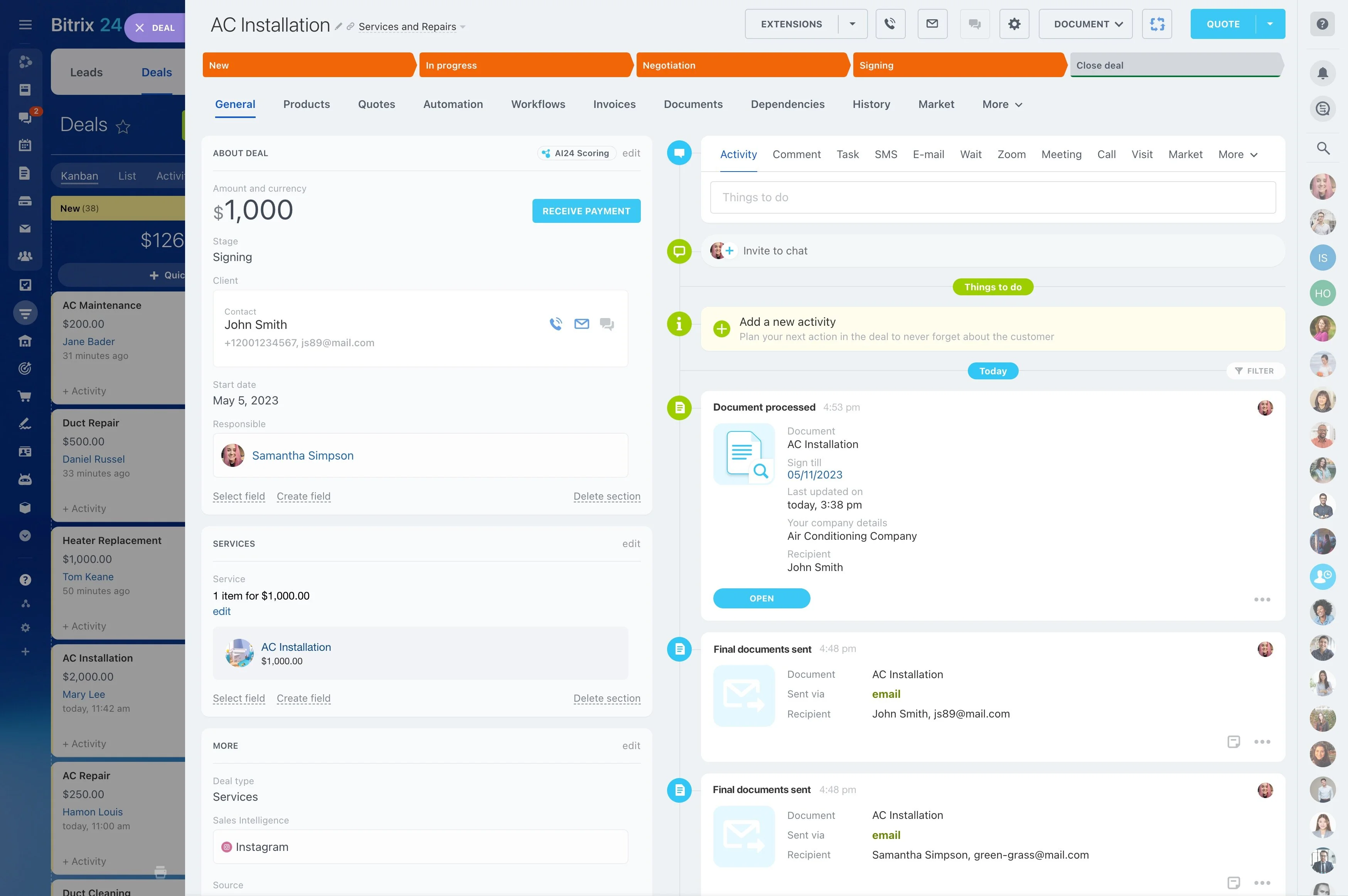
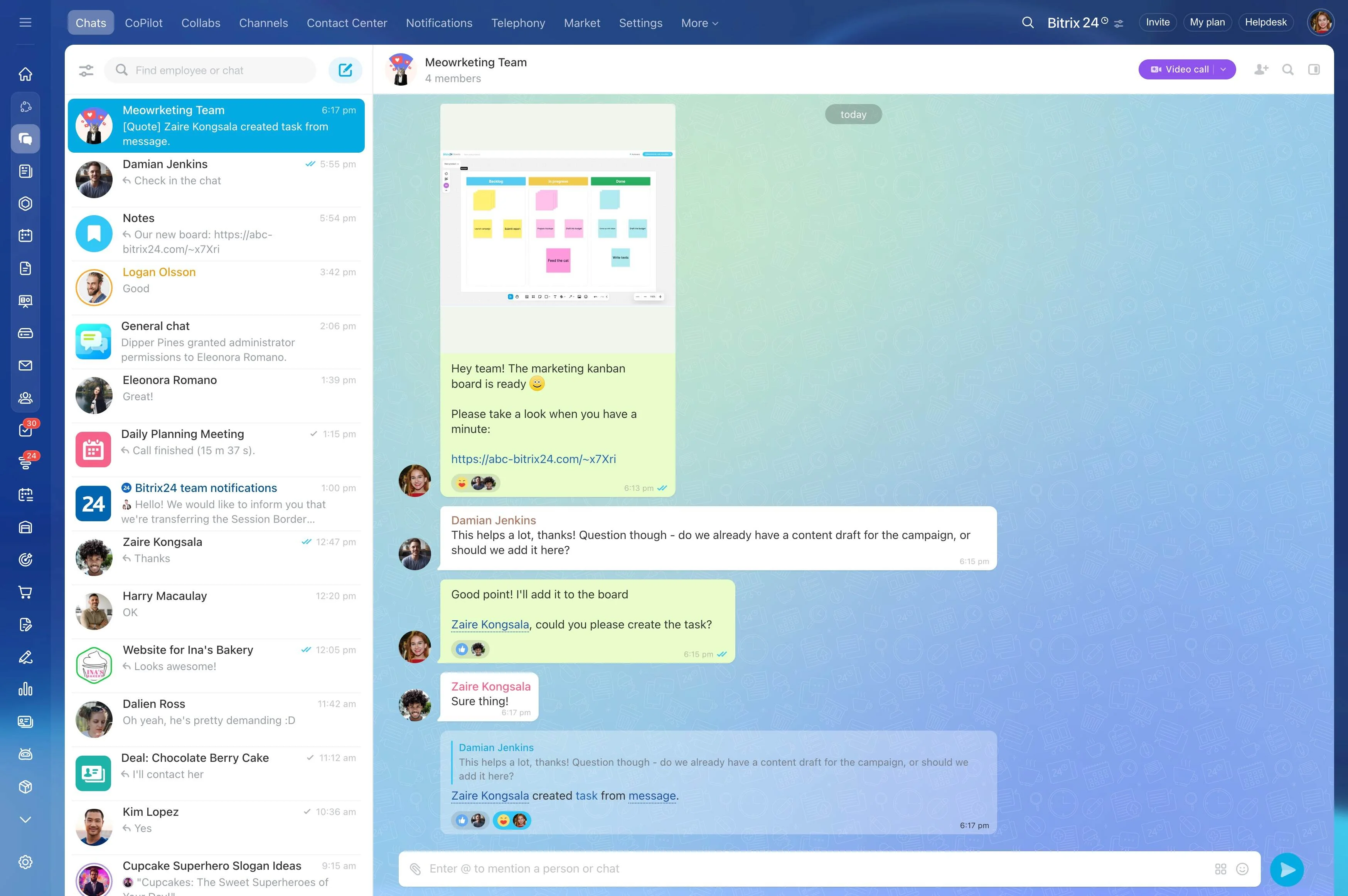
After a planning session, separate decisions from discussion and identify the actions that need follow-up. Record each action as a project task with a clear description, responsible person, and expected date.
- Capture agreed next steps.
- Group related work into stages or workstreams.
- Assign ownership while the discussion is still fresh.
- Keep the board available as supporting context.
Preserve context from board to delivery
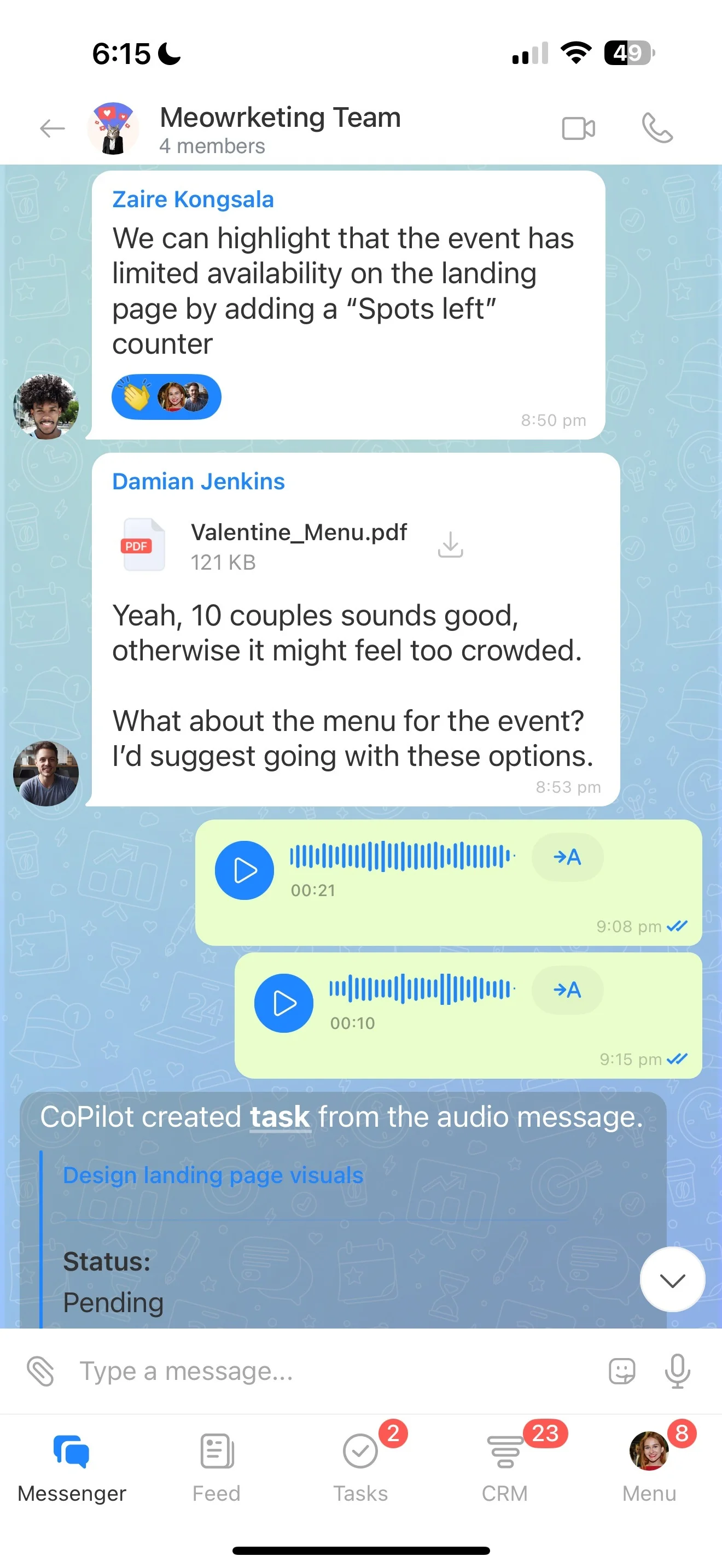
A board explains how the team reached a direction, while tasks define what must happen next. Keeping both views connected helps people understand their assignment and its place in the wider plan.
This is useful for user journeys, process maps, dependencies, and early concepts that would lose detail when reduced to a task list.
Repeat the workflow across planning sessions
The approach can support sprint planning, process redesign, campaign preparation, product discovery, and other cross-functional workshops. Start with the question the team needs to solve visually, then decide which outcomes belong in tracked project work.
This keeps the integration tied to a specific planning-to-execution workflow instead of creating another separate workspace.
Define the handoff between tools
Before choosing a setup, agree on how the team will move from a Miro board to execution. Decide which outcomes become tasks, where the source context remains available, who reviews the handoff, and how changes are communicated.
A shared process helps prevent the board and project space from becoming separate versions of the plan and makes the next action clear after each session.